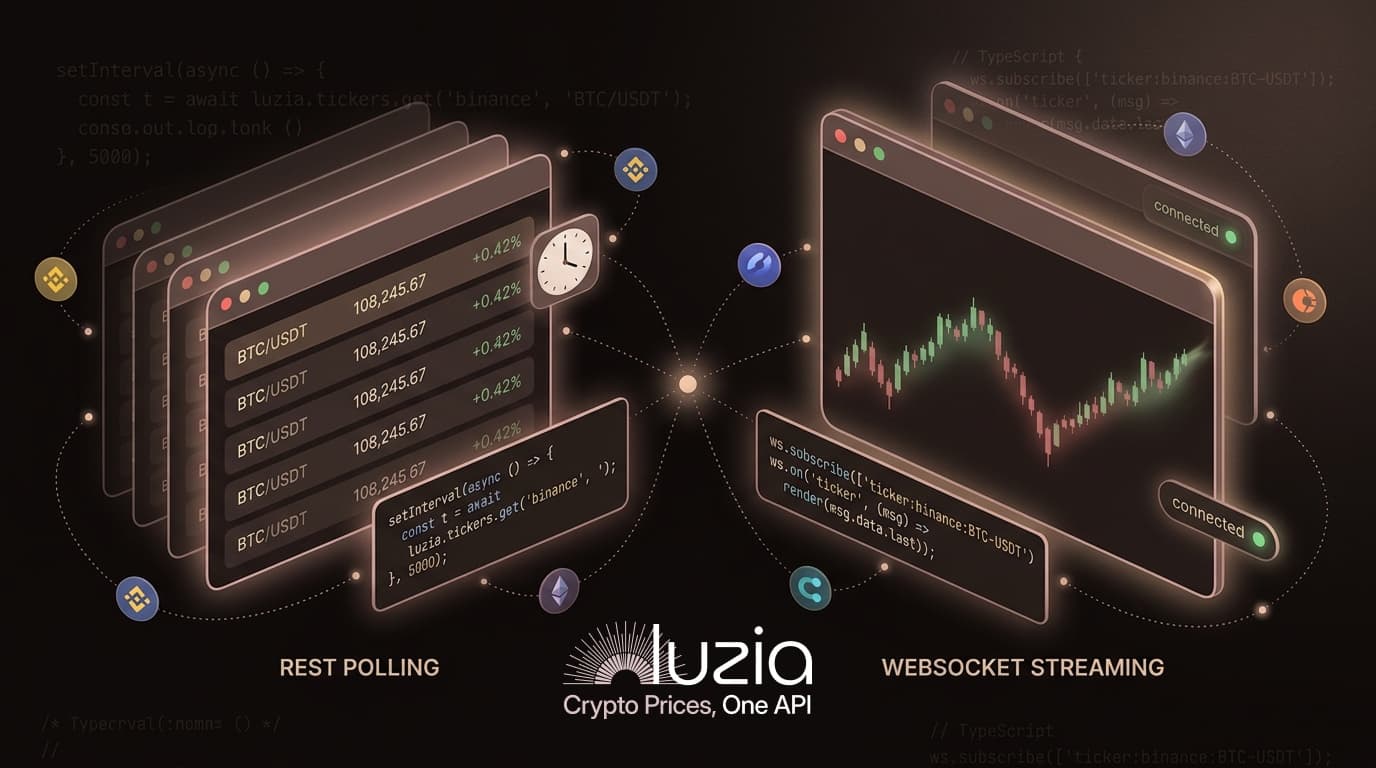
Introducing the Luzia Python SDK: The Async-First Python Crypto API
Get real-time crypto prices from Binance, Coinbase, Kraken, OKX & Bybit with the luziadev Python SDK. Async-first, typed models, WebSocket streaming. Free tier.

If you've been looking for a solid python crypto API to plug into your trading bot or analytics project, this one's for you. I'm releasing the official Luzia Python SDK: luziadev on PyPI.
One pip install. Five exchanges. Real-time prices, historical OHLCV candles, and WebSocket streaming through a single async Python client. You don't have to juggle five different exchange APIs or write your own normalization layer anymore.
New to Luzia? The getting started guide walks you through creating a free account and generating an API key. Then come back here.
Why We Built a Python SDK 🤔
Python runs most of the crypto development world. Trading bots, quant research, backtesting, data pipelines, ML models. The ecosystem leans Python for good reason.
Our TypeScript SDK (@luziadev/sdk) has been the main way developers use the API since launch. It works well for Node.js backends and React dashboards. But the most requested feature from our community, by far, was Python support.
So we built it. And we didn't just wrap a REST client and ship it. We designed luziadev to feel like native modern Python:
- Async-first. Built on
httpx, every call is non-blocking. No thread pools, no callback soup. - Typed dataclasses. Responses come back as frozen dataclasses, not raw dicts. Your editor autocompletes field names and catches typos before you run anything.
match/caseerror handling. Python 3.10+ pattern matching for structured error responses.- Context manager support.
async with Luzia(...) as client:handles connection cleanup for you.
It's a Python-native crypto API client, not a port of the TypeScript one.
What You Get with luziadev 📦
The luziadev package gives you full access to the Luzia python crypto API:
- Exchanges - List all supported exchanges (Binance, Coinbase, Kraken, OKX, Bybit)
- Tickers - Real-time prices for any trading pair, single or batch
- Markets - Browse and filter available trading pairs by exchange, base, or quote currency
- OHLCV History - Candlestick data (1m/5m/15m/1h/1d intervals) for backtesting and analysis
- WebSocket Streaming - Real-time price feeds with automatic reconnection (Pro tier)
- Structured Errors - Typed error codes (
auth,rate_limit,not_found,timeout,network,server) - Automatic Retries - Configurable exponential backoff with jitter
- Rate Limit Tracking - See your remaining quota after every request
The Python SDK documentation has the full API reference.
Quick Start: Your First Crypto Price in 5 Lines
Install the SDK:
pip install luziadevFetch a Bitcoin price:
import asyncio
from luziadev import Luzia

async def main():
    async with Luzia("lz_your_api_key") as client:
        ticker = await client.tickers.get("binance", "BTC/USDT")
        print(f"Bitcoin: ${ticker.last:,.2f}")

asyncio.run(main())
One import, one context manager, one method call. The Luzia client handles authentication, connection pooling, and cleanup.
Don't have an API key yet? Sign up free at luzia.dev, no credit card required. The free tier gives you 100 requests per minute and 5,000 per day, which is plenty for building and testing.
🔍 Exploring Exchanges and Markets
Before fetching prices, you probably want to see what's available. The python crypto API client makes that easy:
async with Luzia("lz_your_api_key") as client:
    # List all supported exchanges
    exchanges = await client.exchanges.list()
    for ex in exchanges:
        print(f"{ex.name} ({ex.status})")

    # Browse Binance USDT markets
    result = await client.markets.list("binance", quote="USDT", limit=10)
    for m in result.markets:
        print(f"  {m.symbol} active={m.active}")
Output:
Binance (active)
Coinbase (active)
Kraken (active)
OKX (active)
Bybit (active)
  BTC/USDT active=True
  ETH/USDT active=True
  SOL/USDT active=True
  ...
markets.list() supports filtering by base, quote, and active status. The Markets documentation covers all available filters and pagination options.
📊 Fetching Multiple Tickers at Once
Need prices for several pairs? list_filtered() lets you batch requests instead of making individual calls:
async with Luzia("lz_your_api_key") as client:
    result = await client.tickers.list_filtered(
        symbols=["BTC/USDT", "ETH/USDT", "SOL/USDT"],
    )
    for t in result.tickers:
        print(f"{t.exchange} {t.symbol}: ${t.last:,.2f} (24h: {t.change_percent:+.2f}%)")
The response includes normalized data across all exchanges. BTC/USDT returns the same field names whether it comes from Binance, Coinbase, or Kraken. You don't need exchange-specific parsers.
Each Ticker object is a frozen dataclass with fields for last, bid, ask, high, low, open, close, volume, change, and change_percent. Your IDE knows about every one of them.
🕯️ Historical OHLCV Data for Backtesting
If you're building a crypto trading bot or doing quantitative analysis, you need historical candlestick data. The history resource returns OHLCV candles with configurable intervals:
async with Luzia("lz_your_api_key") as client:
    ohlcv = await client.history.get(
        "binance", "BTC/USDT",
        interval="1h",
        limit=48,
    )

    # Compute a simple 20-period moving average
    closes = [c.close for c in ohlcv.candles if c.close is not None]
    sma_20 = sum(closes[-20:]) / 20

    print(f"20-period SMA: ${sma_20:,.2f}")
    print(f"Current close: ${closes[-1]:,.2f}")
    print(f"Signal: {'ABOVE' if closes[-1] > sma_20 else 'BELOW'} SMA")
Available intervals: 1m, 5m, 15m, 1h, 1d. The free tier gives you 30 days of lookback. Pro extends that to 90 days.
This works well with pandas and numpy if you want to do more sophisticated analysis. For a full walkthrough of building a trading strategy, we have a tutorial on how to build a crypto trading bot.
⚡ Real-Time WebSocket Streaming
If your application needs live price feeds (dashboards, alerting, real-time trading), the SDK includes WebSocket support:
pip install luziadev[websocket]import asyncio
from luziadev import Luzia
async def main():
client = Luzia("lz_your_api_key")
ws = client.create_websocket()
ws.on("connected", lambda data: print(
f"Connected! Max subs: {data['limits']['maxSubscriptions']}"
))
ws.on("ticker", lambda data: print(
f"{data['data']['symbol']}: ${data['data']['last']}"
))
ws.on("error", lambda data: print(f"Error: {data['message']}"))
ws.on("reconnecting", lambda data: print(
f"Reconnecting (attempt {data['attempt']})..."
))
await ws.connect()
ws.subscribe(["ticker:binance:BTC-USDT", "ticker:coinbase:ETH-USD"])
try:
await asyncio.sleep(3600) # Run for 1 hour
finally:
ws.disconnect()
await client.close()
asyncio.run(main())
The WebSocket client handles reconnection on its own. If the connection drops, it backs off and retries with configurable delays. You subscribe to channels using the format ticker:{exchange}:{symbol}, and price updates come in as events.
WebSocket streaming is on the Pro tier ($29.99/month), which includes up to 5 concurrent connections and 50 subscriptions per connection. The WebSocket documentation has the full protocol reference.
🛡️ Error Handling with match/case
One thing I wanted to get right in the python crypto API SDK is error handling. Crypto applications run into rate limits, network timeouts, and exchange outages all the time. The SDK uses Python 3.10+ match/case for structured error responses:
from luziadev import Luzia, LuziaError

async with Luzia("lz_your_api_key") as client:
    try:
        ticker = await client.tickers.get("binance", "INVALID/PAIR")
    except LuziaError as e:
        match e.code:
            case "rate_limit":
                print(f"Rate limited. Retry after {e.retry_after}s")
            case "auth":
                print("Invalid API key")
            case "not_found":
                print("Symbol not found on this exchange")
            case "timeout":
                print(f"Request timed out after {e.timeout_ms}ms")
            case "network":
                print("Network connectivity issue")
            case _:
                print(f"Unexpected error [{e.code}]: {e}")
Every LuziaError carries a typed code field (auth, rate_limit, not_found, validation, timeout, network, server), plus optional retry_after, timeout_ms, and correlation_id for debugging. There's also an is_retryable_error() helper that returns True for transient errors (rate limits, timeouts, network issues, server errors), which is useful if you're building your own retry loops.
🔁 Retry and Rate Limit Configuration
For production, you'll probably want automatic retries with exponential backoff:
from luziadev import Luzia, RetryOptions

client = Luzia(
    "lz_your_api_key",
    retry=RetryOptions(
        max_retries=5,
        initial_delay_ms=500,
        max_delay_ms=10_000,
        backoff_multiplier=2.0,
        jitter=True,
    ),
)

# After any request, check your rate limit status
ticker = await client.tickers.get("binance", "BTC/USDT")
info = client.rate_limit_info
if info:
    print(f"Remaining: {info.remaining}/{info.limit} (resets: {info.reset})")
The rate_limit_info property updates after every API call with your current quota. Free tier: 100 requests per minute, 5,000 per day. Pro tier: 1,000 per minute, 20,000 per day.
⚖️ Python SDK vs TypeScript SDK: Feature Parity
If you already use the TypeScript SDK, the Python SDK follows the same resource structure and naming. Both cover the full Luzia crypto API:
| Feature | Python (luziadev) | TypeScript (@luziadev/sdk) |
|---|---|---|
| Exchanges, Tickers, Markets, History | Yes | Yes |
| WebSocket streaming | Yes (optional extra) | Yes |
| Typed models | Frozen dataclasses | TypeScript interfaces |
| Async-first | Yes (httpx) | Yes (native fetch) |
| Error handling | match/case | switch/case |
| Retry with backoff + jitter | Yes | Yes |
| Rate limit tracking | Yes | Yes |
| Context manager / cleanup | async with | N/A (GC-based) |
| Zero external deps (core) | No (httpx required) | Yes |
The method signatures are intentionally similar. client.tickers.get("binance", "BTC/USDT") works the same in both languages. If you're running a mixed stack, say a Python backtesting engine feeding into a TypeScript dashboard, both SDKs share the same mental model.
🛠️ What You Can Build
The luziadev python crypto API SDK is a building block. Developers are using Luzia for all sorts of things:
- Crypto trading bots - Fetch live prices and historical data, compute signals, run strategies. Build a crypto trading bot
- Portfolio trackers - Aggregate holdings across exchanges with normalized pricing.
- Backtesting engines - Test strategies against historical OHLCV data before risking real money.
- Price alert systems - Monitor prices across exchanges and fire notifications when thresholds are hit.
- Real-time dashboards - Stream live price data over WebSocket to interactive UIs.
- Arbitrage detection - Compare prices across Binance, Coinbase, Kraken, OKX, and Bybit at the same time.
- AI-powered crypto tools - Feed Luzia data to LLMs through our MCP server. Build AI crypto tools with MCP and Claude
🏁 Get Started
You can be up and running in a couple of minutes:
- Sign up at luzia.dev (free, no credit card)
- Generate an API key from your dashboard
- Install the SDK:
pip install luziadev - Make your first request:
import asyncio from luziadev import Luzia async def main(): async with Luzia("lz_your_api_key") as client: ticker = await client.tickers.get("binance", "BTC/USDT") print(f"BTC: ${ticker.last:,.2f}") asyncio.run(main()) - Check the Python SDK documentation for the full API reference
This is v1. We're building in public and shipping early. If something feels off, if a method is missing, or if you have thoughts on the API design, I want to hear about it.
- Twitter/X: @luziadev
- Email: hello@luzia.dev
- PyPI: luziadev
❓ FAQ
Is the Luzia Python SDK free to use?
Yes. The luziadev package is free and open source under MIT. You need a Luzia API key to make requests. The free tier includes 100 requests per minute and 5,000 per day, which covers development and testing. WebSocket streaming requires the Pro plan at $29.99/month.
Does luziadev support synchronous (blocking) usage?
It's async-first and needs asyncio. You can call it from sync code with asyncio.run(). We went with async because crypto applications, especially trading bots and real-time streaming, benefit a lot from non-blocking I/O. For a simple script, asyncio.run(main()) is all you need.
Which exchanges does the Luzia Python SDK support?
Five: Binance, Coinbase, Kraken, OKX, and Bybit. You don't need separate API keys or accounts for each exchange. One Luzia API key gives you access to all of them through a unified python crypto API interface.
How does luziadev compare to CCXT?
CCXT is a trading library that supports order execution across 100+ exchanges. Luzia is a pricing data API. You get normalized prices, OHLCV history, and WebSocket streaming without managing exchange connections, authentication, or rate limits yourself. If you only need market data and not order execution, luziadev is simpler and requires zero exchange-specific configuration.
Can I use luziadev to build a crypto trading bot in Python?
Yes. Use client.history.get() to pull OHLCV candles for backtesting and strategy development. Use client.tickers.get() for live price checks. For real-time data, client.create_websocket() streams prices as they update. Our trading bot tutorial has a complete walkthrough.
What Python version is required?
Python 3.10 or higher. The SDK uses match/case syntax for error handling, which was introduced in 3.10. The async context manager pattern (async with) has been around since 3.5, so 3.10 is the real constraint.